Gym class schedule screens — live timetables on any TV
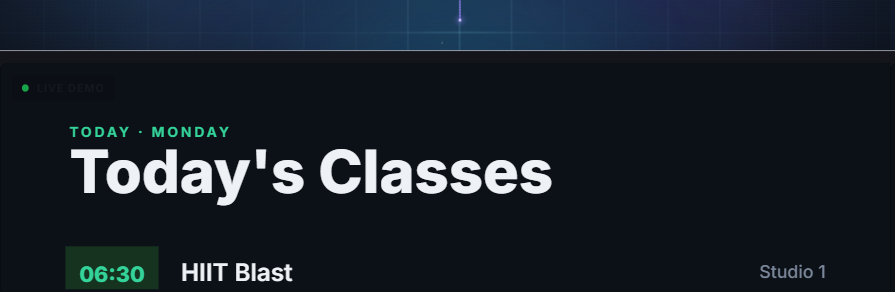
A schedule screen keeps members looking at the wall instead of their phones — today's classes, times and studios, always current. Here is how to put a live timetable on any TV in your gym in about fifteen minutes.
1. What hardware do you need?
Any TV plus an inexpensive streaming stick — Fire TV, Google TV or Android TV — or a smart-TV browser. Mount the screen by reception or the studio doors. No specialist signage player required.
2. Pair the screen
Open the Ambicast player on the TV; it displays a pairing code. Enter that code once in your dashboard to claim the screen to your gym. That is the entire setup on the device side.
3. Choose the schedule template
Begin with the class-schedule template, then set your sessions: time, class name, instructor and studio. Style it to your brand colours in the drag-and-drop editor.
4. Update from your phone
Cover instructor or a last-minute change? Edit the timetable from your phone and every schedule screen updates over the air. Use scheduling to rotate weekday and weekend timetables automatically.
Frequently asked questions
No. A standard TV with a Fire TV / Google TV / Android TV stick, or a smart-TV browser, is all you need. There is no proprietary box to buy.
Yes. Smart scheduling can switch playlists by time and day, so weekday and weekend timetables appear on their own without anyone touching the screen.
Yes — the Standard plan covers up to 5 screens and Pro up to 10, with the same timetable published to all of them at once.